
Check in
Checking in and
switching status
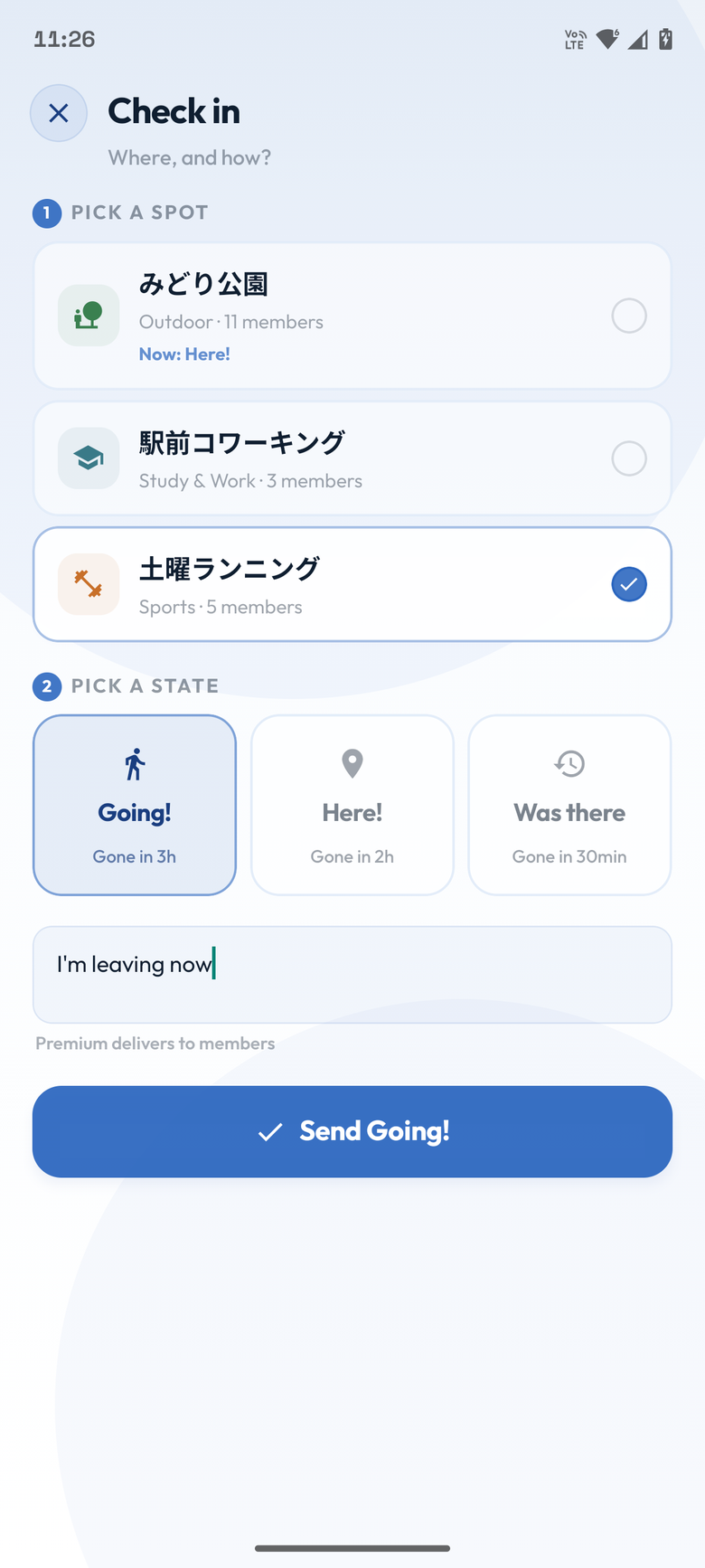
On your way to your usual place, there right now, or there a moment ago. You share only that — with the people in the spot.
Last updated: July 29, 2026
Three states
On your way. Disappears after 3 hours.
At the place right now. Disappears after 2 hours.
There a moment ago. Disappears after 30 minutes.
Checking in
Open a spot
From the spot list on the home screen, tap the place you want to share your state for.
Pick a state
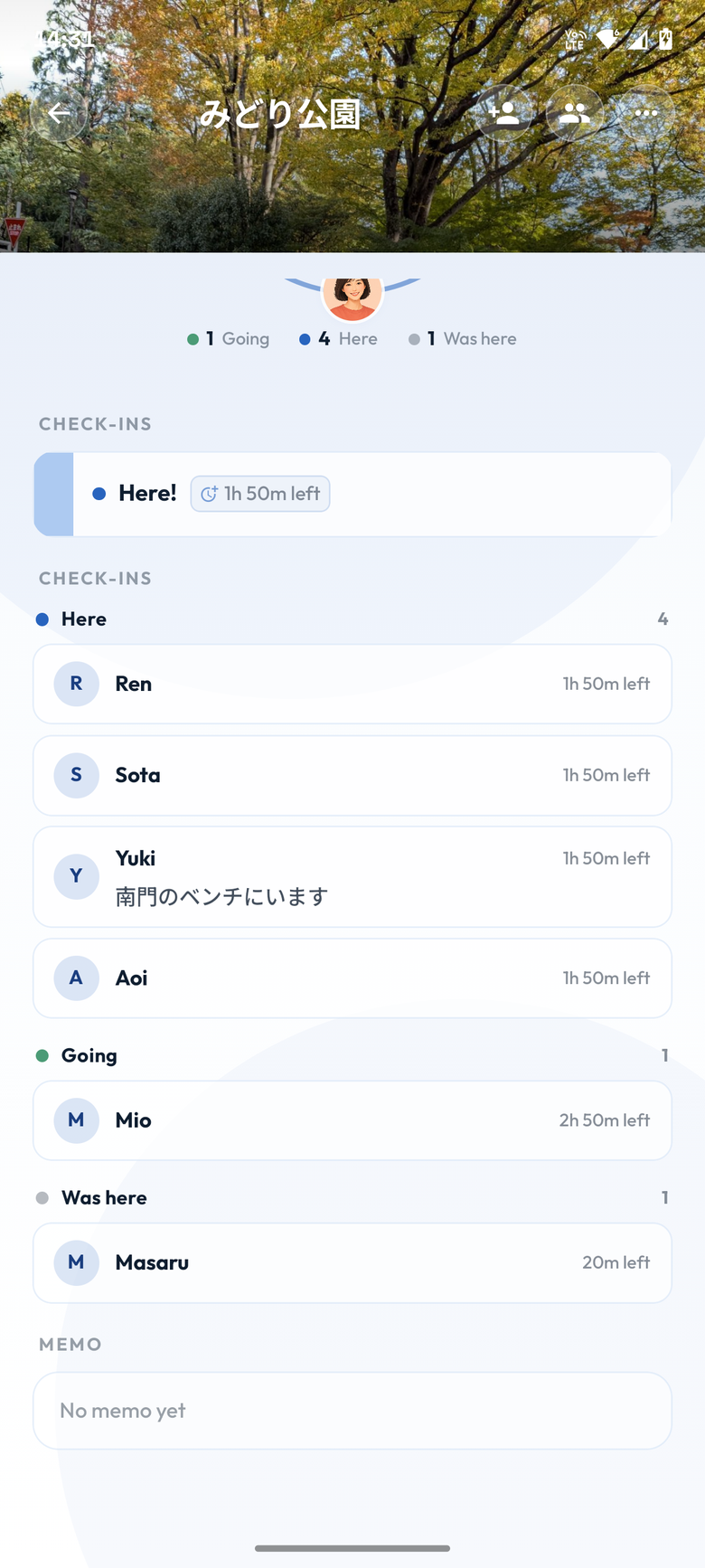
Under Check-ins on the spot screen, tap , , or .
Check what is shown
You are done once your current state and the time left appear. It is shared with everyone in the same spot.
You can also start from home
Tap the blue button at the bottom right of the home screen to pick a spot and a state one after the other. Useful when you want to choose between several spots.

Switching state
As you set off and arrive, swipe your current status card to the right. Confirm on the screen that appears.
Going becomes Here, and Here becomes Was there. There is no state after Was there.
Cancelling a check-in
Swipe a Going or Was there status card to the left, then confirm to cancel it.
Here cannot be cancelled directly. So that people can tell you have left, swipe right to Was there first, then cancel.
Frequently asked questions
My check-in disappeared
Going disappears after 3 hours, Here after 2 hours, and Was there after 30 minutes. Check in again if you need to.
I picked the wrong state
Swipe right to move on to the next state. Going and Was there can also be swiped left to cancel, so you can pick again.
Can I make Here last longer?
With Premium you can long-press the time left on a Here check-in and extend it. See Using Premium features.